
How Can We Help?
How to set up your Domain Email in Gmail
To use your Rhino-hosted domain email in Gmail, use the Gmail mobile app with your mailbox’s IMAP settings. Adding the mailbox to the app does not migrate it to Google Workspace or increase its Rhino hosting storage allowance.
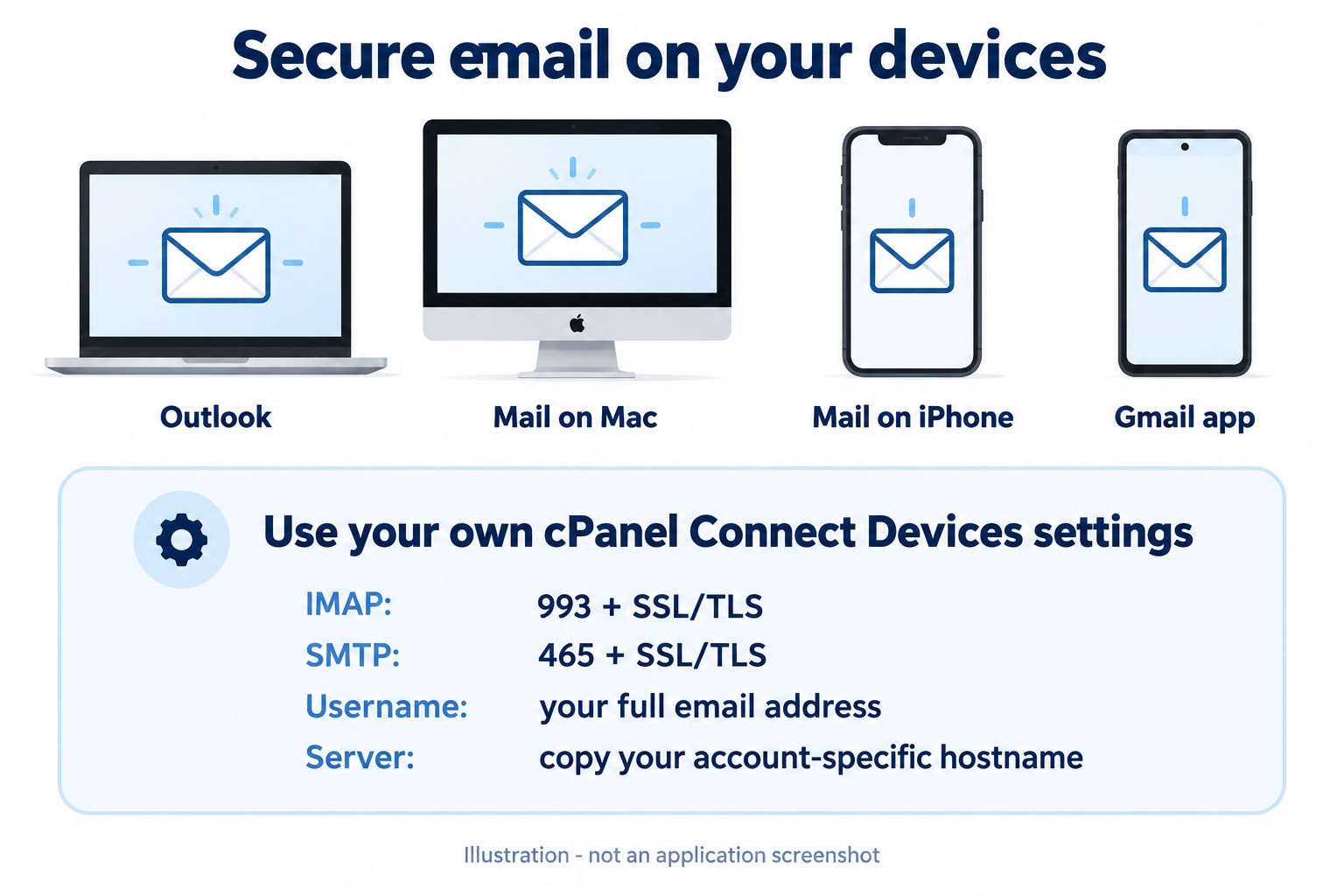
Before you begin, confirm that your mailbox works in Webmail and open cPanel > Email Accounts > Manage > Connect Devices. Keep your full email address, mailbox password and account-specific secure server settings available. See the email server settings guide. Do not use a Microsoft, Google or Apple password for a Rhino-hosted mailbox.
Add the mailbox in the Gmail app
- Open the Gmail app and tap your profile picture.
- Choose Add another account, then Other for a Rhino-hosted mailbox.
- Enter the full mailbox address. On Android, choose Personal (IMAP) when asked.
- Enter the mailbox password and the incoming hostname, security and port from cPanel.
- Complete outgoing SMTP settings with the account-specific hostname and authenticated secure connection.
- Finish the prompts and select your new account. On iPhone/iPad, follow the equivalent prompts in Google’s iOS version of the guide.
Check sending and receiving
- Wait for the initial mail synchronisation to finish.
- Send a short test to another address you control and reply from that address.
- Confirm the received reply and Sent folder in both the app and Webmail.
If a certificate warning appears, stop and check the hostname and certificate with support. Keep SSL/TLS enabled. If Webmail works but the app fails, capture the exact error without exposing credentials.
If you need browser access
Use Rhino Webmail through the secure Webmail guide. If you require Google Workspace or a forwarding arrangement, ask support to assess the requirements before changing mail routing.
Source: Gmail app setup.
Need assistance? Contact Rhino Hosting Support. Include the relevant error and application version, but never send your password.
Content reviewed: 29 September 2026. Application steps checked against the linked official documentation. Illustrations are explanatory; no live application setup or send/receive test is claimed.